
← All word lists 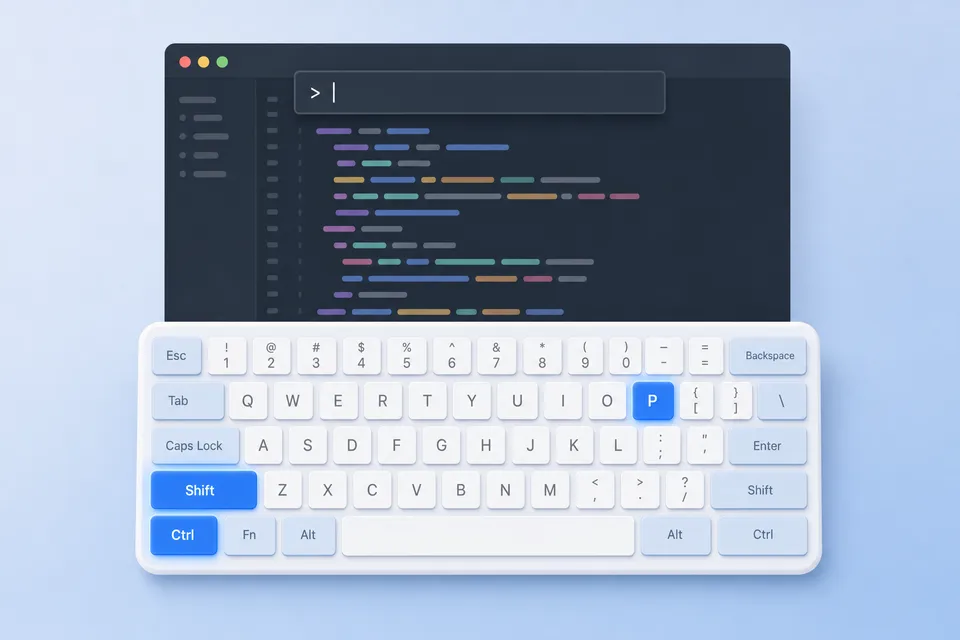
VS Code keyboard shortcuts for Windows
The same for your editor: Ctrl+D to add the next match, F12 to jump to a definition, F5 to start debugging.
| Action | Shortcut |
|---|---|
| Command Palette | Ctrl+Shift+P / F1 |
| Go to file (Quick Open) | Ctrl+P |
| Open a recent folder | Ctrl+R |
| New window | Ctrl+Shift+N |
| Close the editor | Ctrl+W |
| Close all editors | Ctrl+K Ctrl+W |
| Reopen closed editor | Ctrl+Shift+T |
| Save all files | Ctrl+K S |
| Open Settings | Ctrl+, |
| Open Keyboard Shortcuts | Ctrl+K Ctrl+S |
| Change color theme | Ctrl+K Ctrl+T |
| Change language mode | Ctrl+K M |
| Toggle the sidebar | Ctrl+B |
| Show Explorer | Ctrl+Shift+E |
| Search in all files | Ctrl+Shift+F |
| Replace in all files | Ctrl+Shift+H |
| Show Source Control | Ctrl+Shift+G |
| Show Run and Debug | Ctrl+Shift+D |
| Show Extensions | Ctrl+Shift+X |
| Toggle the terminal | Ctrl+` |
| New terminal | Ctrl+Shift+` |
| Toggle the panel | Ctrl+J |
| Show Problems | Ctrl+Shift+M |
| Show Output | Ctrl+Shift+U |
| Open Chat | Ctrl+Alt+I |
| Inline chat in the editor | Ctrl+I |
| Split the editor | Ctrl+\ |
| Focus editor group 1 / 2 / 3 | Ctrl+1 / 2 / 3 |
| Next editor | Ctrl+PgDn |
| Previous editor | Ctrl+PgUp |
| Switch to a recent editor | Ctrl+Tab |
| Go back / forward | Alt+Left / Alt+Right |
| Go to line | Ctrl+G |
| Go to symbol in file | Ctrl+Shift+O |
| Go to symbol in workspace | Ctrl+T |
| Go to definition | F12 |
| Peek definition | Alt+F12 |
| Show references | Shift+F12 |
| Go to implementation | Ctrl+F12 |
| Go to next problem | F8 |
| Rename symbol | F2 |
| Quick fix | Ctrl+. |
| Trigger suggestions | Ctrl+Space |
| Parameter hints | Ctrl+Shift+Space |
| Show hover info | Ctrl+K Ctrl+I |
| Find and replace | Ctrl+H |
| Format document | Shift+Alt+F |
| Format selection | Ctrl+K Ctrl+F |
| Trim trailing whitespace | Ctrl+K Ctrl+X |
| Toggle line comment | Ctrl+/ |
| Toggle block comment | Shift+Alt+A |
| Move line up / down | Alt+Up / Alt+Down |
| Copy line up / down | Shift+Alt+Up / Down |
| Delete line | Ctrl+Shift+K |
| Insert line below | Ctrl+Enter |
| Insert line above | Ctrl+Shift+Enter |
| Indent / outdent line | Ctrl+] / Ctrl+[ |
| Jump to matching bracket | Ctrl+Shift+\ |
| Select the current line | Ctrl+L |
| Add next match to selection | Ctrl+D |
| Select all occurrences | Ctrl+Shift+L |
| Add cursor above / below | Ctrl+Alt+Up / Down |
| Add a cursor anywhere | Alt+Click |
| Undo last cursor operation | Ctrl+U |
| Column (box) selection | Shift+Alt+Drag |
| Expand selection | Shift+Alt+Right |
| Fold / unfold region | Ctrl+Shift+[ / ] |
| Fold all | Ctrl+K Ctrl+0 |
| Unfold all | Ctrl+K Ctrl+J |
| Toggle word wrap | Alt+Z |
| Zen mode | Ctrl+K Z |
| Markdown preview | Ctrl+Shift+V |
| Markdown preview to the side | Ctrl+K V |
| Zoom in / out | Ctrl+= / Ctrl+Minus |
| Copy path of active file | Ctrl+K P |
| Reveal file in File Explorer | Ctrl+K R |
| Run the build task | Ctrl+Shift+B |
| Start debugging | F5 |
| Run without debugging | Ctrl+F5 |
| Stop debugging | Shift+F5 |
| Toggle breakpoint | F9 |
| Step over | F10 |
| Step into | F11 |
| Step out | Shift+F11 |
Keep this list on your screen.
StickyWords shows it one pair at a time in the corner of your screen while you work. The CSV opens in any spreadsheet if you would rather edit it first.